

All the essentials. Nothing complicated.
Create and manage Minecraft Java servers on your own Windows PC, with plain words instead of config files.
Everything in one simple app.
- Create a server
Pick Paper, Purpur, Fabric or Vanilla and a Minecraft version. MZForge sets up the right Java for you.
- Play with friends
Get a public address with Playit, so friends can join without router setup on Paper and Purpur.
- Plugins and mods
Search Modrinth inside the app. Results only show files made for your exact version.
- Backups
Back up with one click or on a schedule. Backups stay on your PC.
- Players
See who's online, make admins, kick or invite people without typing commands.
- Scheduler
Nightly backups, restarts, announcements or commands at a set time while MZForge is open.
- Friendly console
Quick buttons for common commands, and important errors explained in plain words.
- Make it yours
Design the server list message in colour and pick a server icon while you create it.
- Health Check
One button checks Java, the Playit address, network access, disk space and memory, in plain words.
Your world sets the scene.
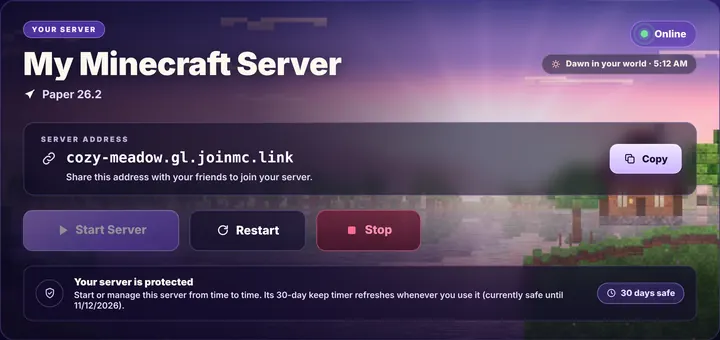
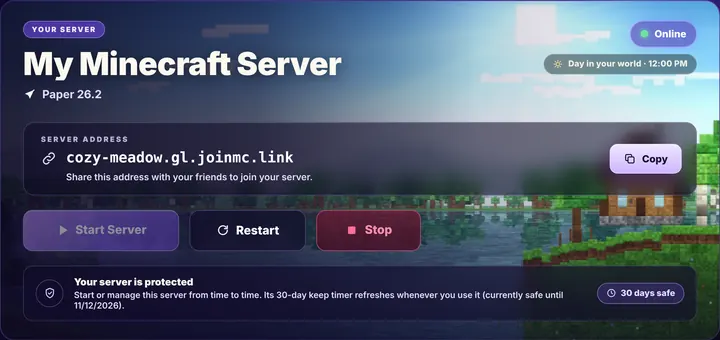
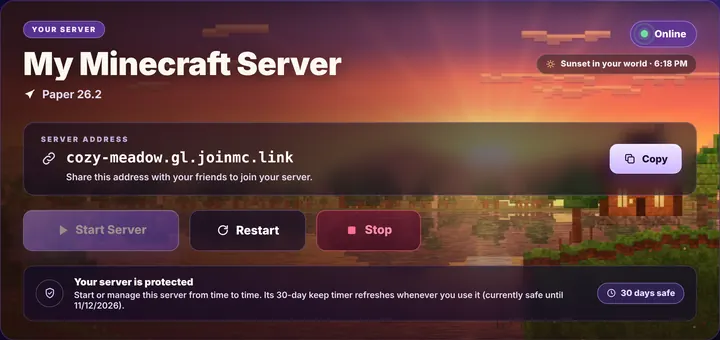
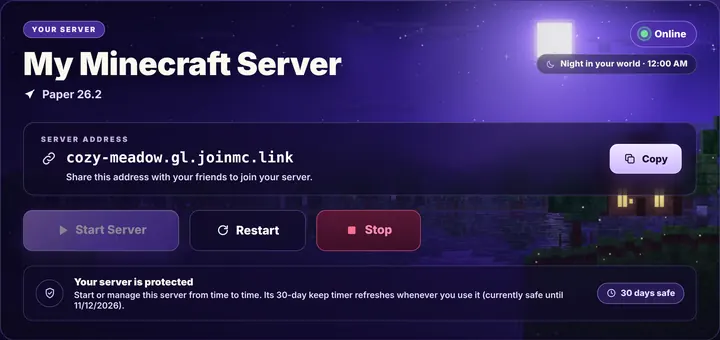
While your server runs, MZForge reads the time inside your Minecraft world every 30 seconds and changes the Home artwork to match.
Night · 12:00 AM
You can turn this off in Appearance. It uses your world's own clock, not your PC's.
Share hosting with a friend.
With Multi-Host, your world isn't stuck on one PC. Link a friend's PC and whoever is online can host.
- Link with a codeEnter a one-time 6-digit code on the other PC.
- Your world comes alongWhen the host stops, the world syncs to the other PC by itself. Both PCs just need to be online.
- One host at a timeMZForge makes sure only one PC runs the world, so nothing gets overwritten.
Got a spare PC? Make it the host.
Remote Host is separate from Multi-Host. Your world stays on one spare computer while you control the server from your main MZForge PC.
Current beta: generate a Host Package, choose RAM, run it on the spare Windows PC, then control Start, Stop, Restart, console, status and the Playit address over your local network. Web and mobile control are planned later.
- Choose RAMPick how much memory the spare PC gives Minecraft.
- Drop in one ZIPExtract the Host Package and run MZForge Remote Host.
- Control it remotelyThe spare PC keeps the world; your main PC becomes the controller.
Good to know
- Minecraft Java Edition only. Bedrock (consoles, phones) isn't supported.
- Forge and NeoForge are not available yet.
- Your server is online while your PC and MZForge are running.