Tutorials
Your first Minecraft server, made simple.
Three short guides with a real screenshot for every step. Do them in order the first time.
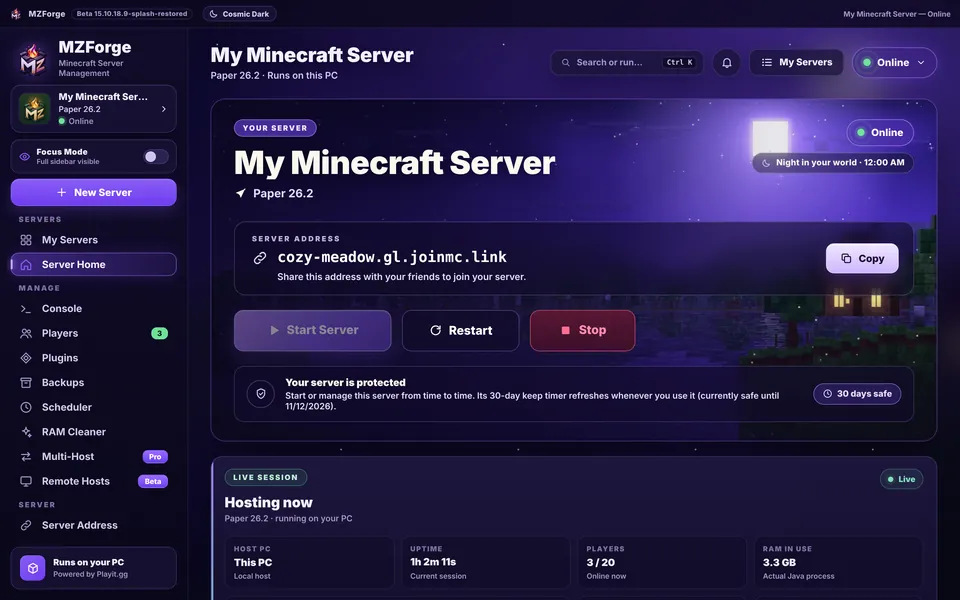
Screens are from MZForge Beta 15.10.18.9 with example data.
-
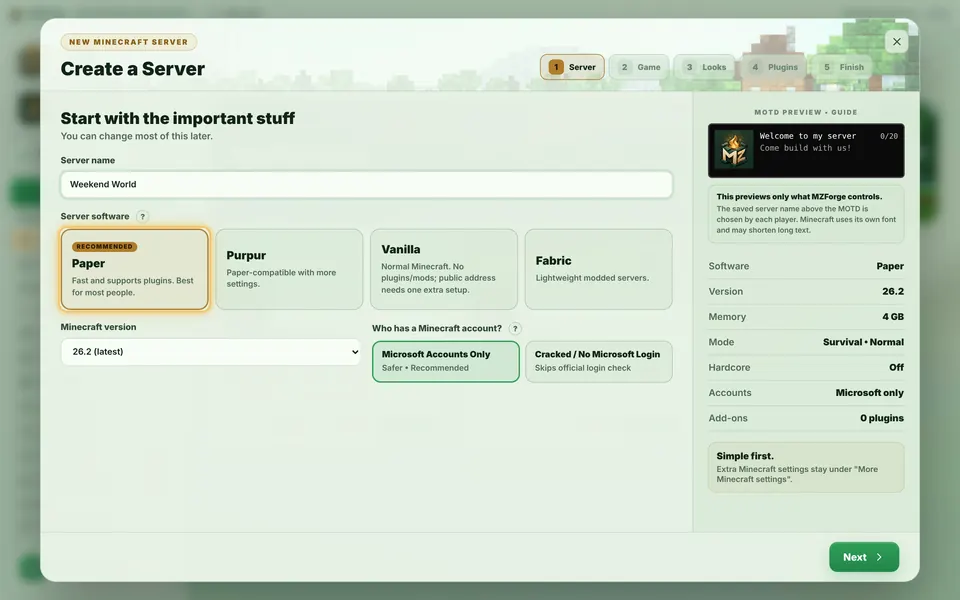
Create a server
Name it, choose Paper and a version, pick memory, then Create My Server.
Start guide -
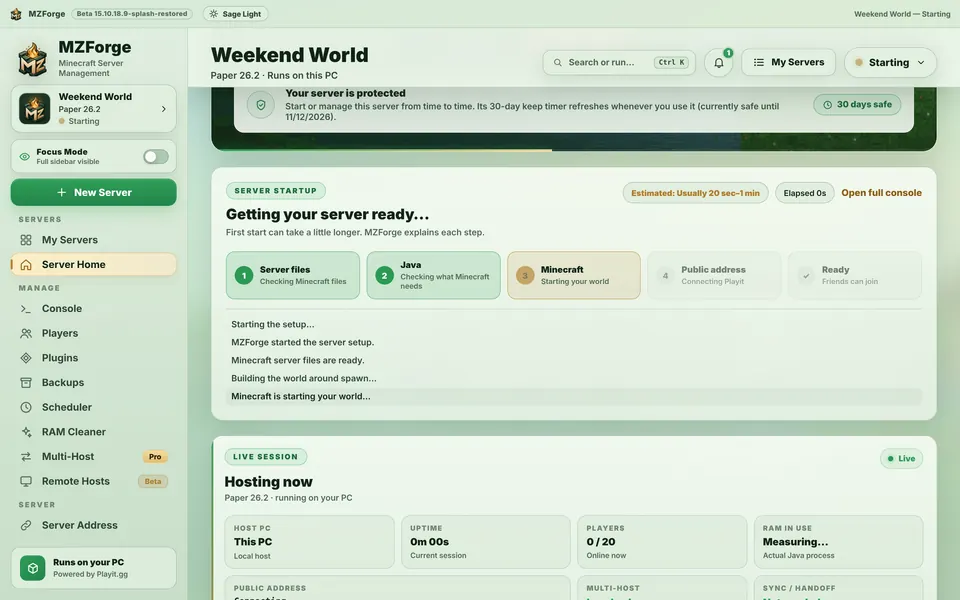
Start your server
Press Start Server, follow the startup steps to Online, and stop safely when you're done.
Start guide -
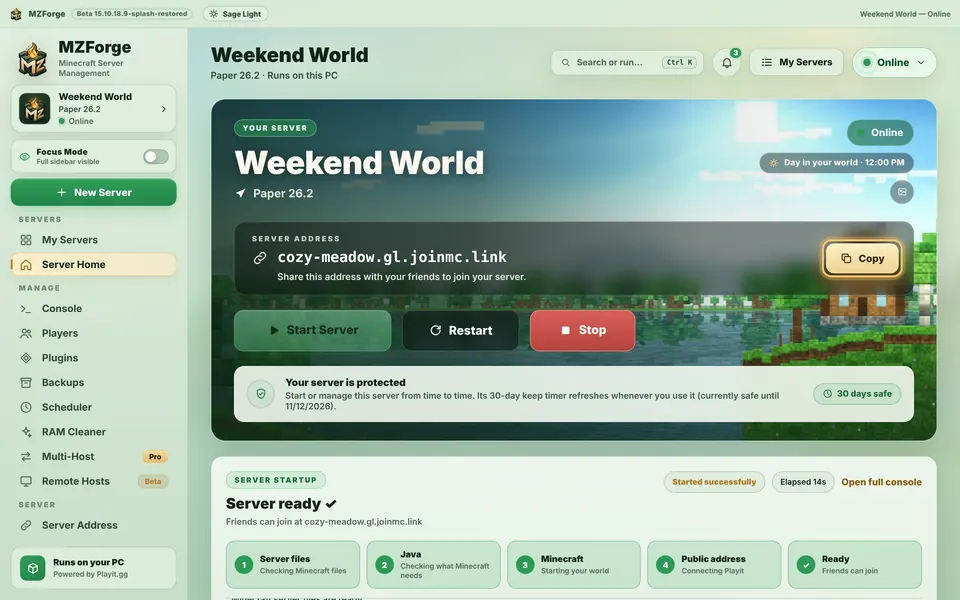
Invite friends with Playit
Connect Playit once, copy your address and help friends join from Multiplayer.
Start guide


Before you start
- MZForge is installed (Download, then install help)
- A few minutes and an internet connection
- For Playit: a web browser to sign in once (free account)
- For friends: Minecraft: Java Edition on their PC
Prefer watching?
The whole thing in 50 seconds.
A short tour of the real app: create, start, connect Playit, copy the address, play.
Watch the tour