

Step 1 / 6
Use a supported server type
MZForge integrates Playit setup for Paper and Purpur. Vanilla and Fabric may require manual Playit configuration.
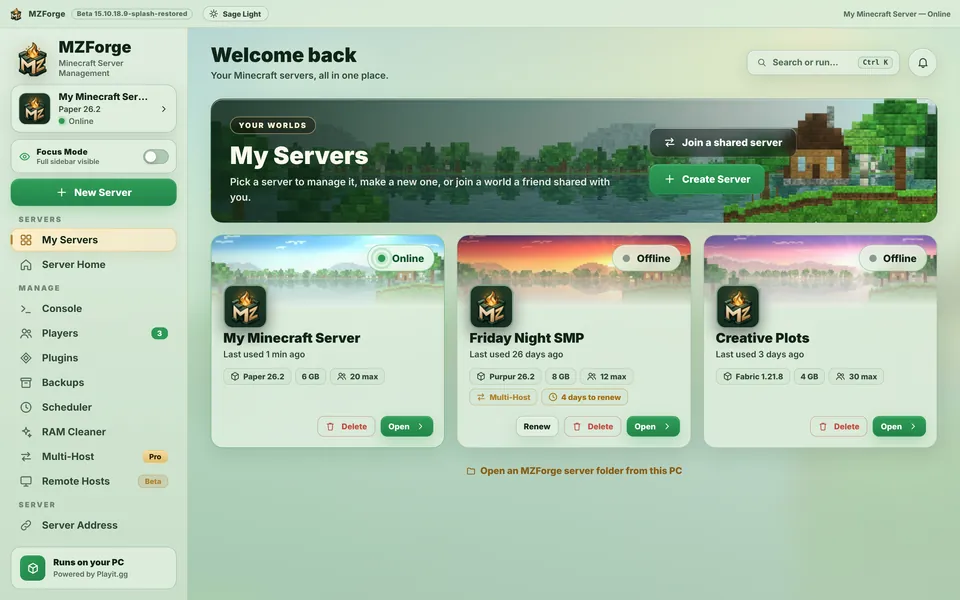
Get a public address without manual router port-forwarding on supported configurations
MZForge integrates Playit setup for Paper and Purpur. Vanilla and Fabric may require manual Playit configuration.
Open your server and press Start Server. The Playit connection may initialize during startup.
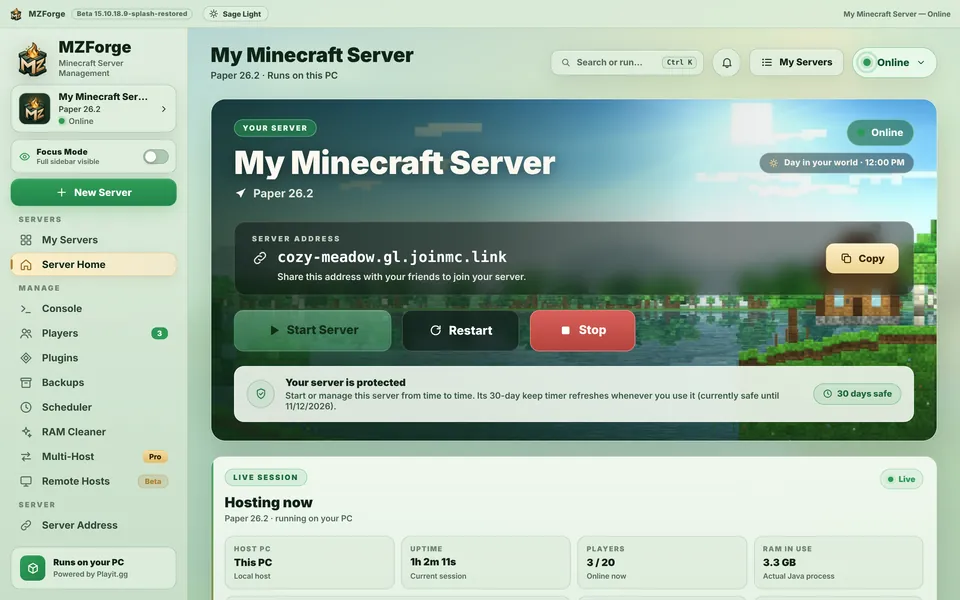
If MZForge opens an official Playit sign-in or claim page in your browser, follow those instructions. Only enter your credentials on the real Playit website.
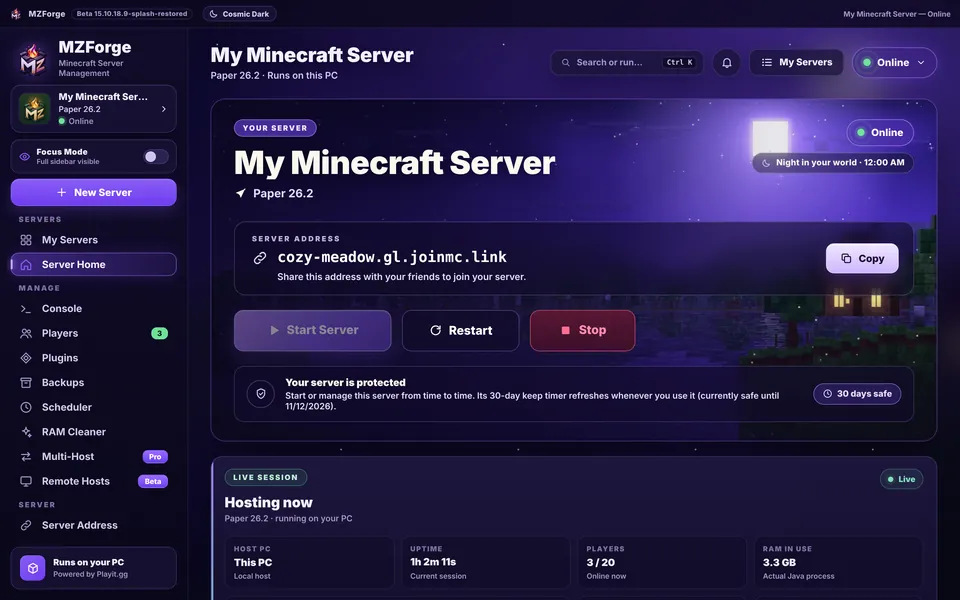
Once both Minecraft and Playit are ready, open the Server Address screen or the address section on Server Home.
Press Copy for the public address. Send it privately to friends; the address in website screenshots is example data.
Friends select Multiplayer → Add Server in Minecraft Java Edition, paste your address and connect. Your server must remain online.
If something behaves differently in your build, use Help or Health Check in MZForge rather than forcing the server to continue.
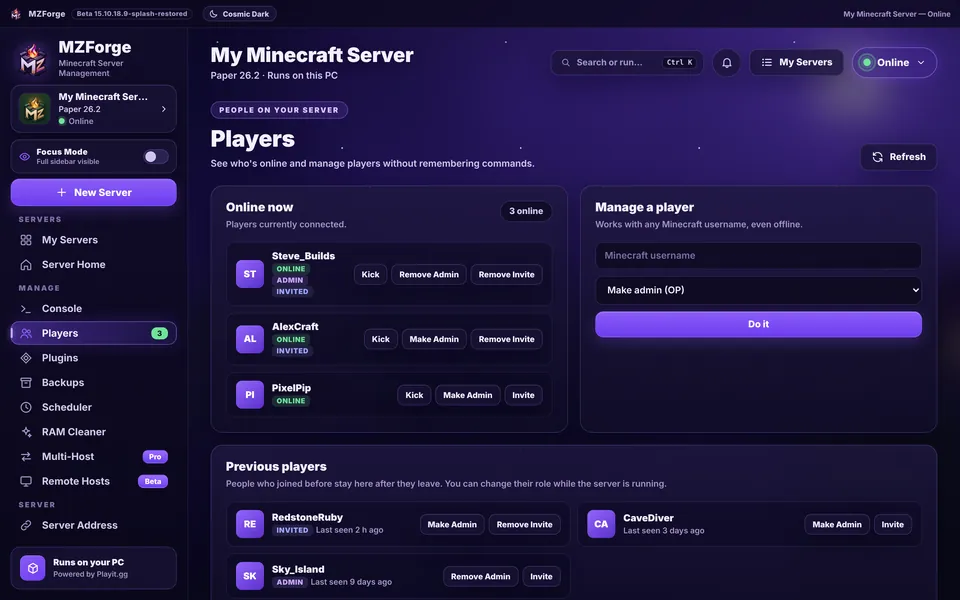
Tutorial complete? Continue with another guide: